
Gain insight into the processing status
For the connection between Reflex 3000 and your Online accounting package, ReflexSystems uses a connection that works in the cloud. This connection can be accessed via the ReflexSystems Cloud Portal.
This manual contains an example of a connection with Multivers Online. The operation of the portal is the same for all other accounting packages.
You have received login details for this site via your ReflexSystems consultant. After you have logged in, the screen below will appear:
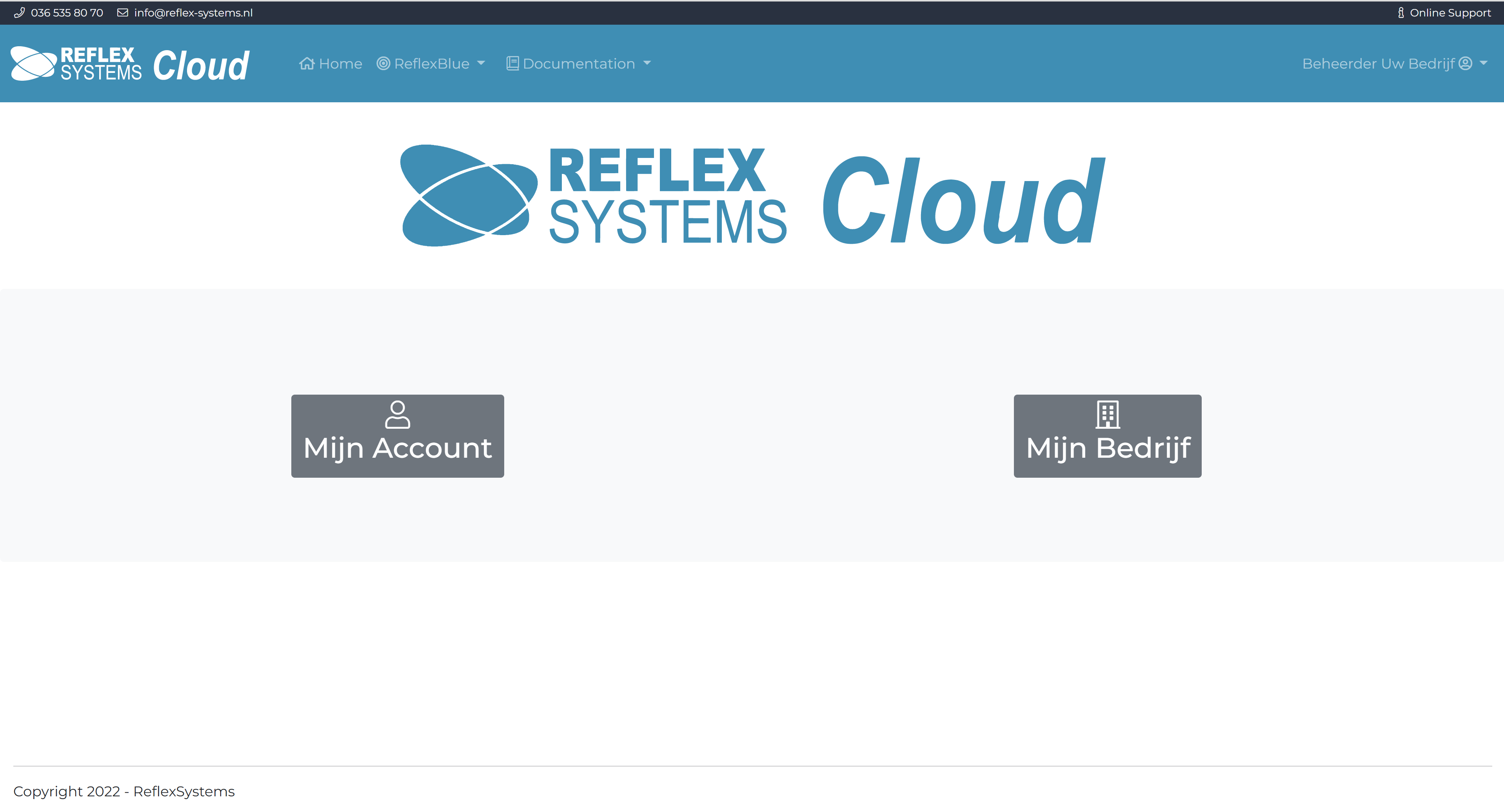
My company
Select My company to view your connections.
View accounting connections
To monitor your connections, select Integrations.
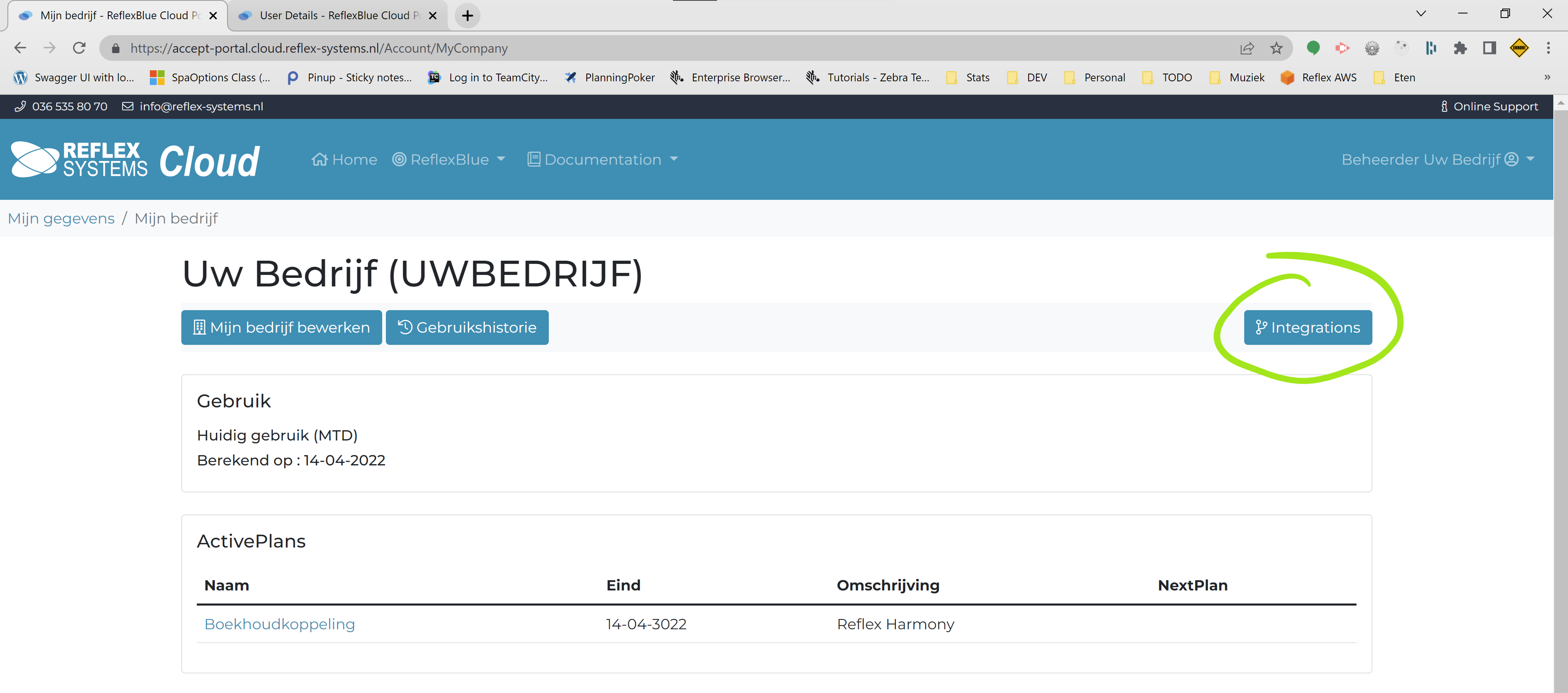
A summary of the available integrations will now appear.
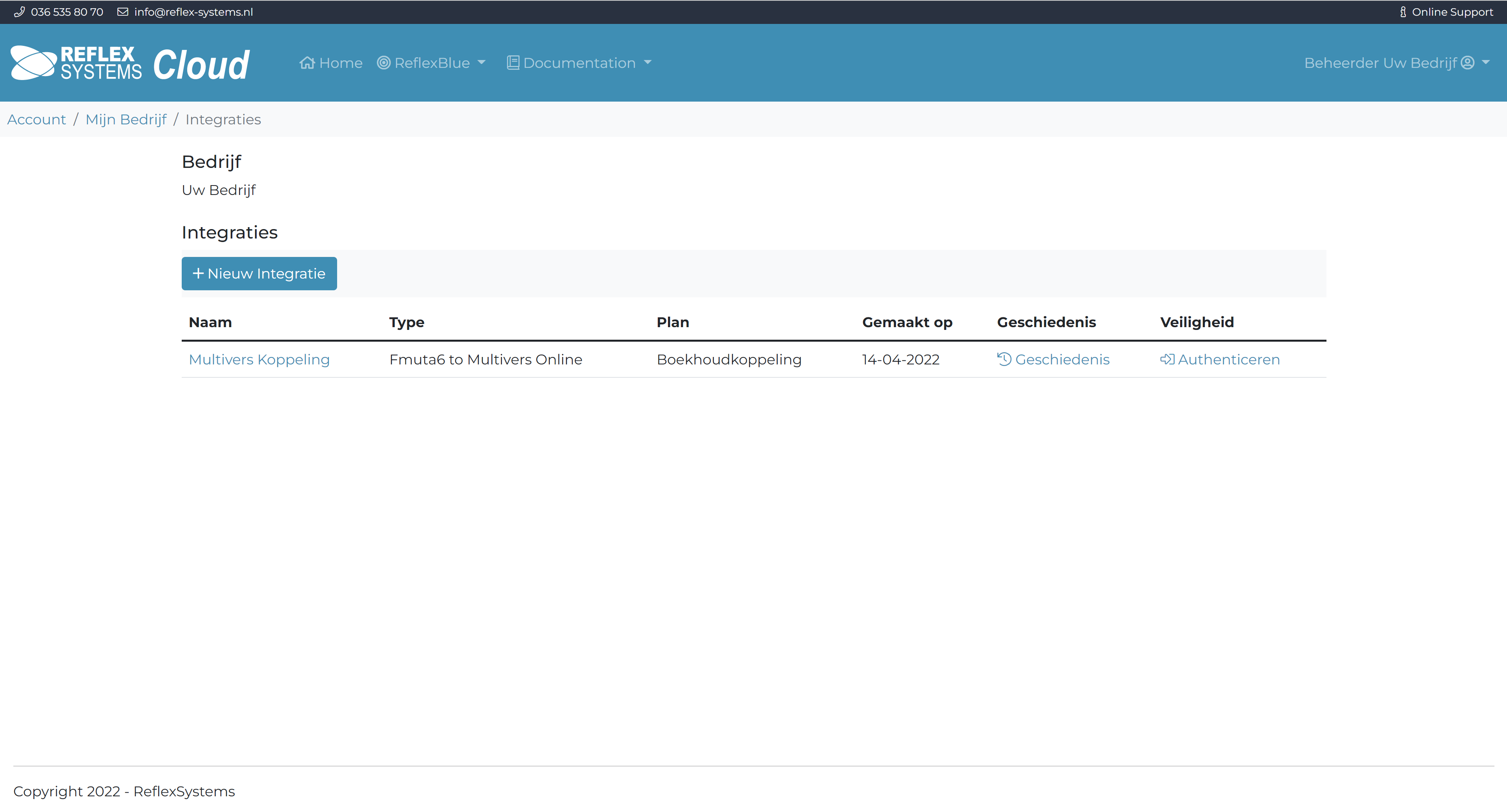
View integration communication history
Select History of the accounting link integration to view the communication history between Reflex 3000 and your online accounting package.
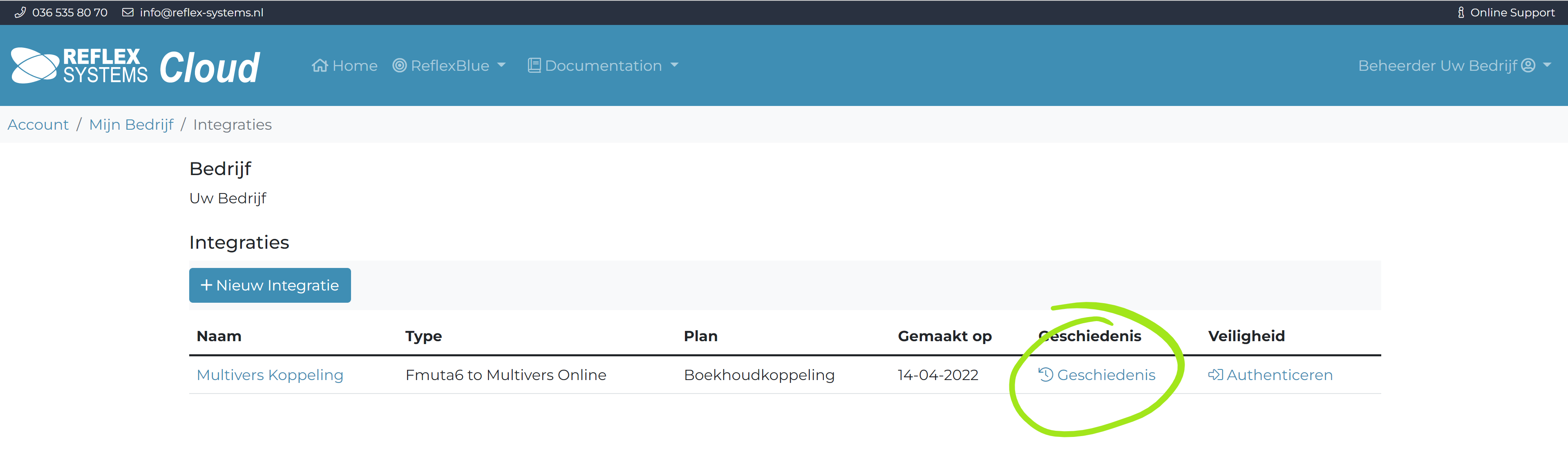
You will then see an overview of the communication between Reflex 3000 and your accounting package.
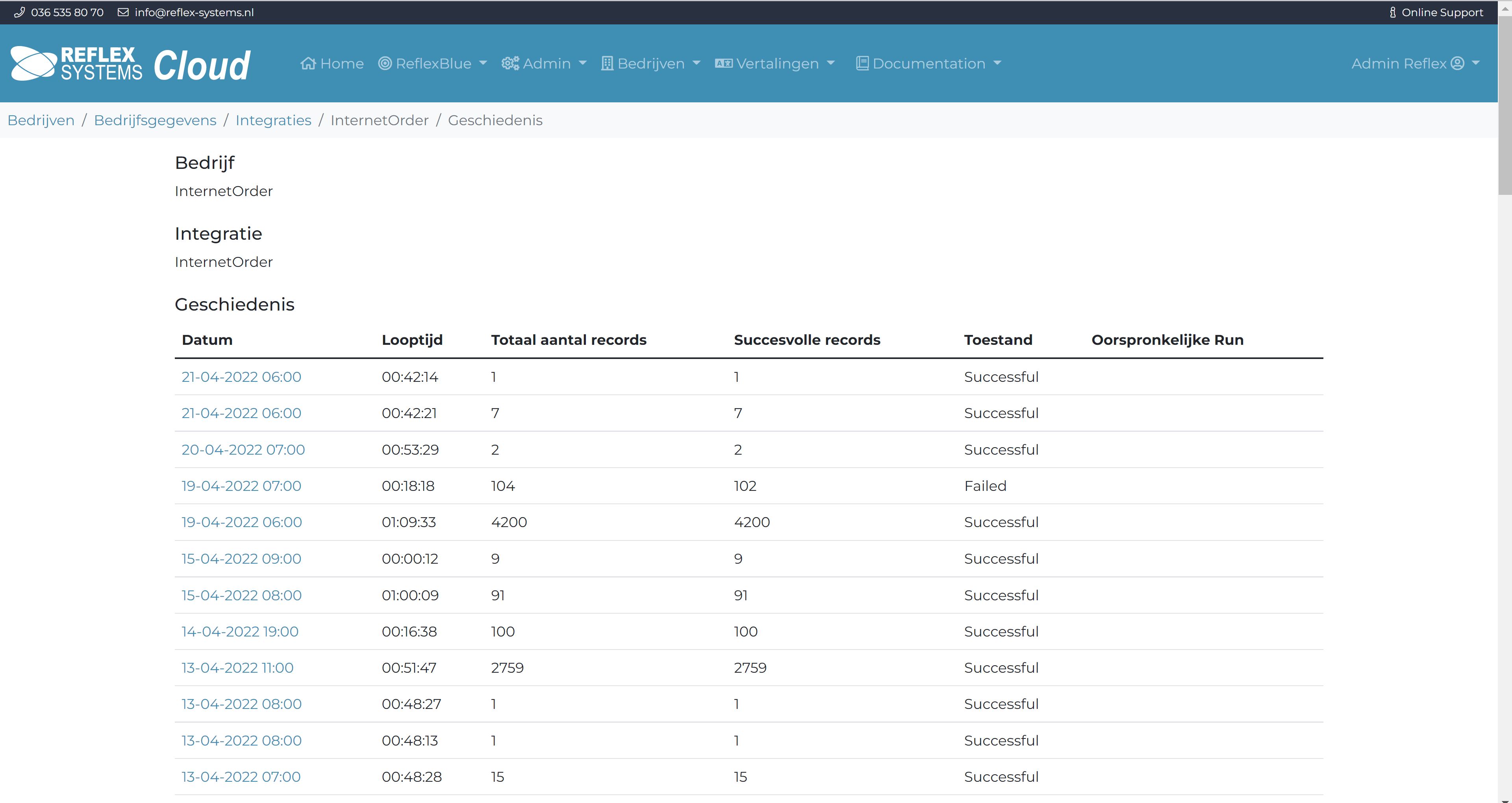
This overview immediately shows which runs went well and which errors were found.
View details of a run
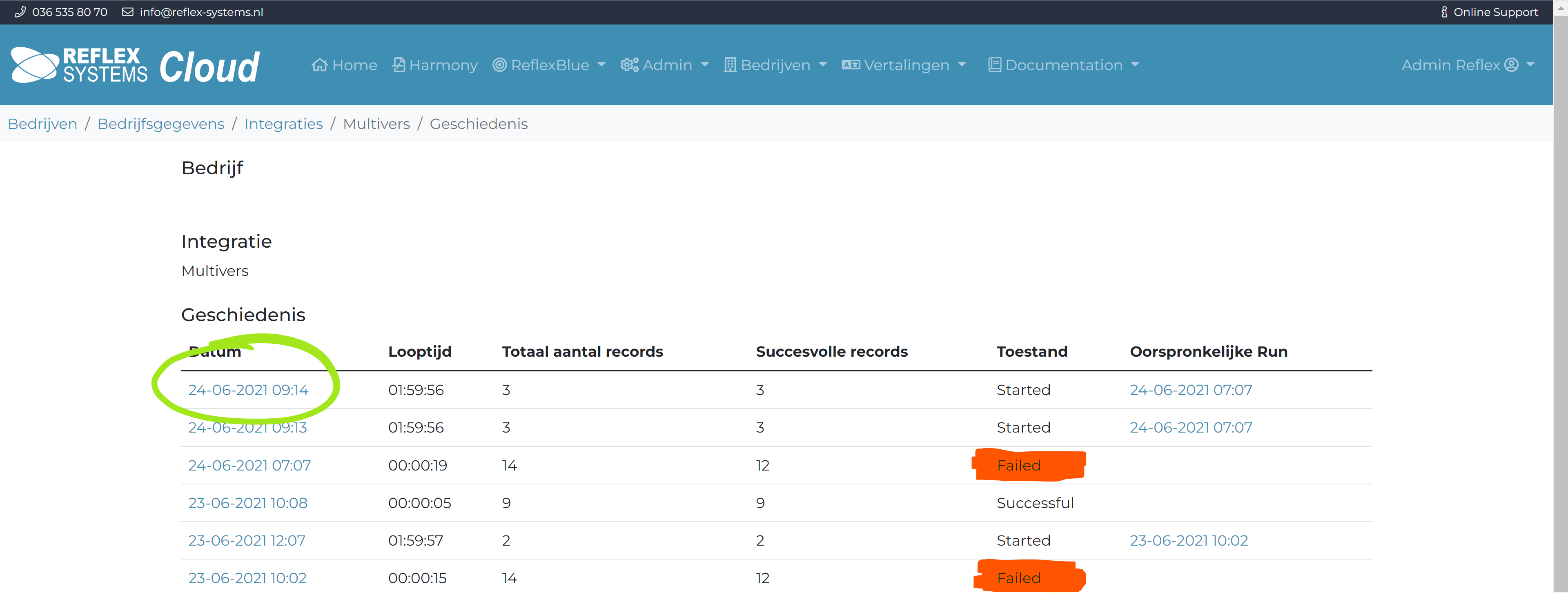
To view the details of a run, select the blue date and time notation at the beginning of the line.
You will now see the details of the run.
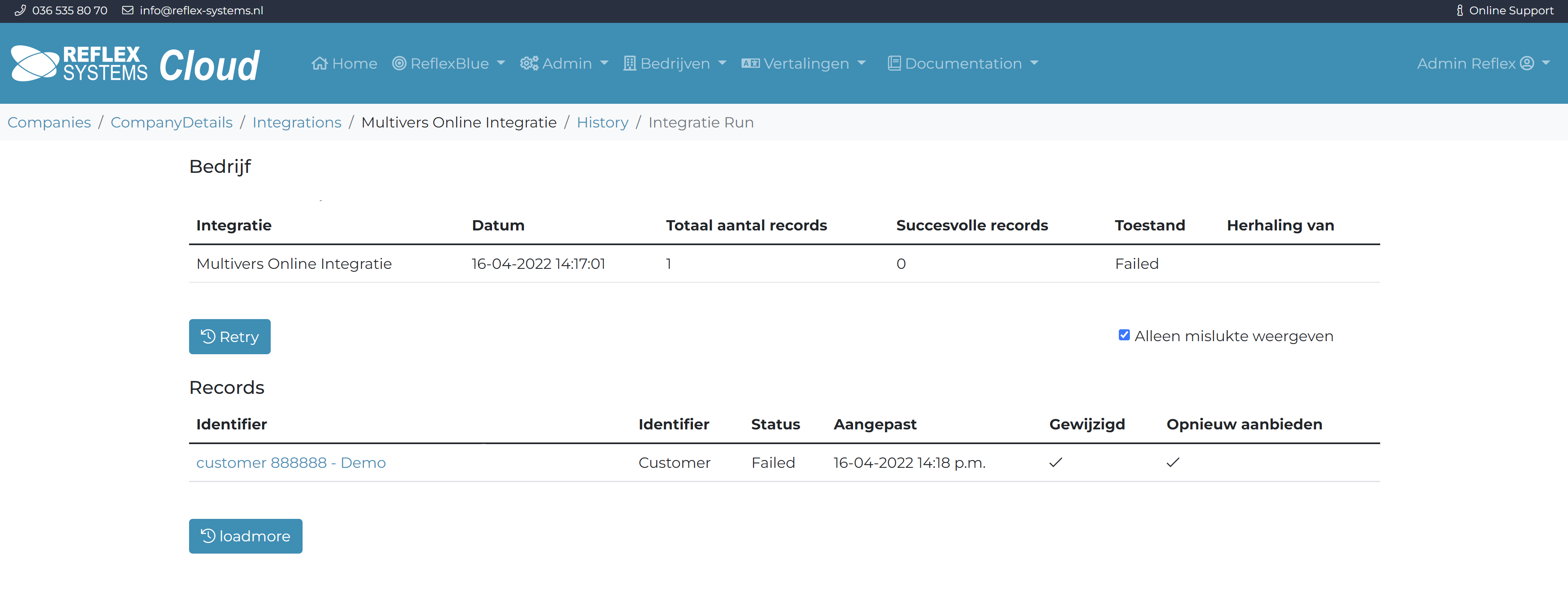
If the option Show only failed is checked, only the failed lines of this run will be shown.
This option is automatically checked if there are failed lines in the run.
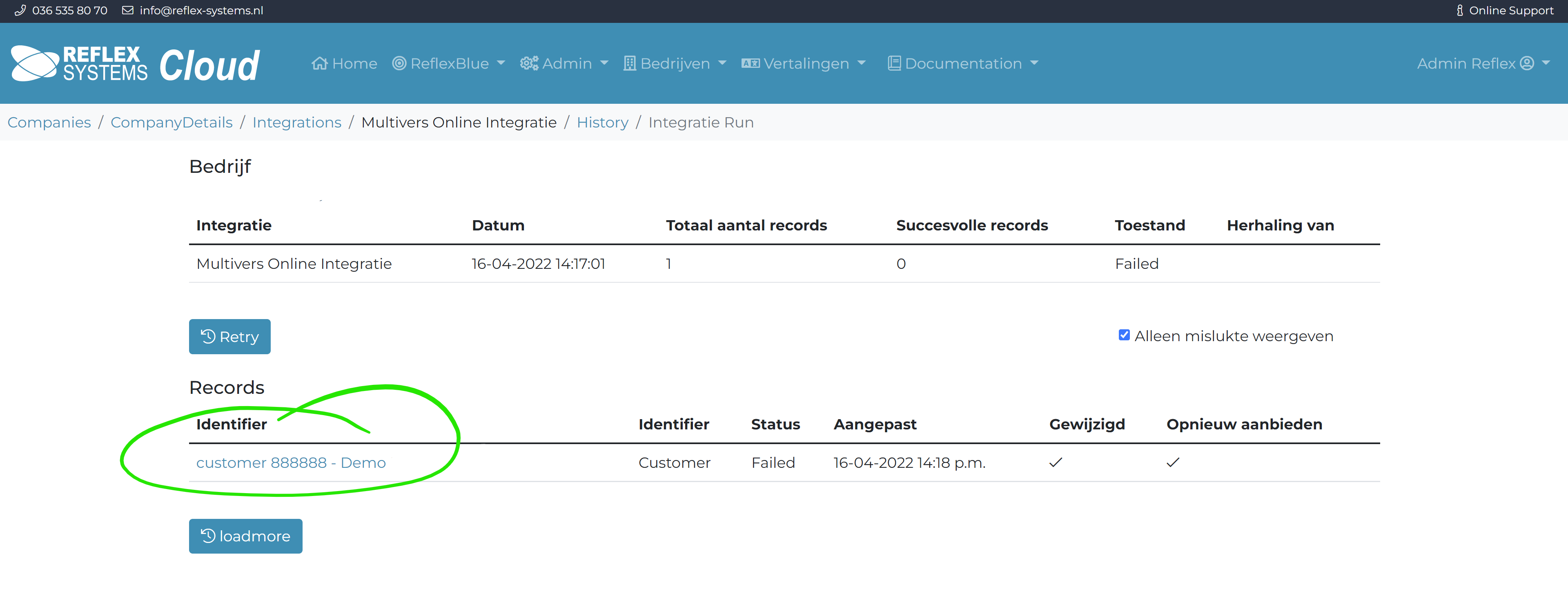
By selecting the blue text of the line (column Identifier), the details of this line will be shown:
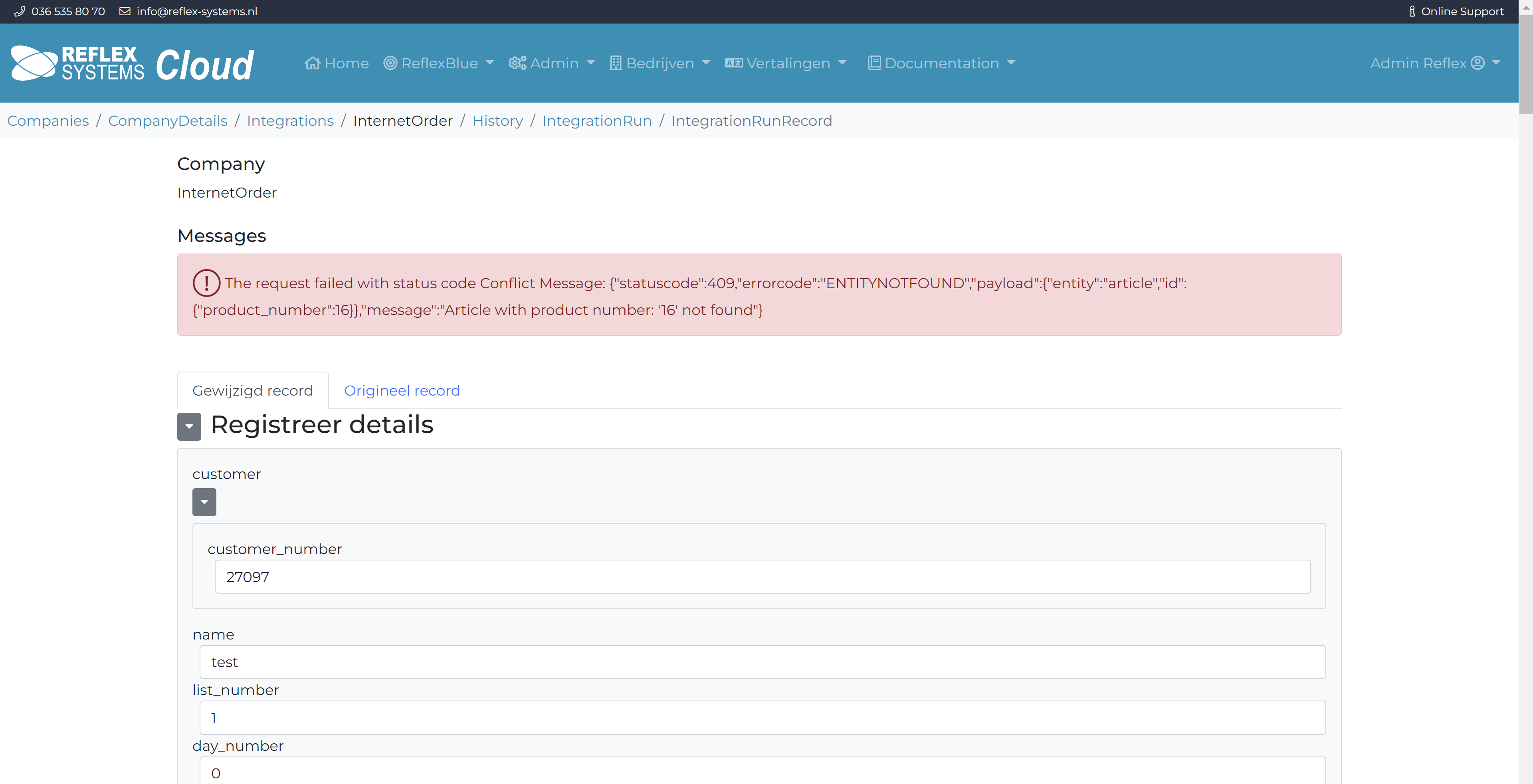
The red line at the top indicates the reason for the failed export.
You can then go to the relevant field in this screen and adjust it to a correct value.
After you have made the adjustment, you can indicate at the bottom of the screen that you want to re-offer the adjusted data to your accounting package:
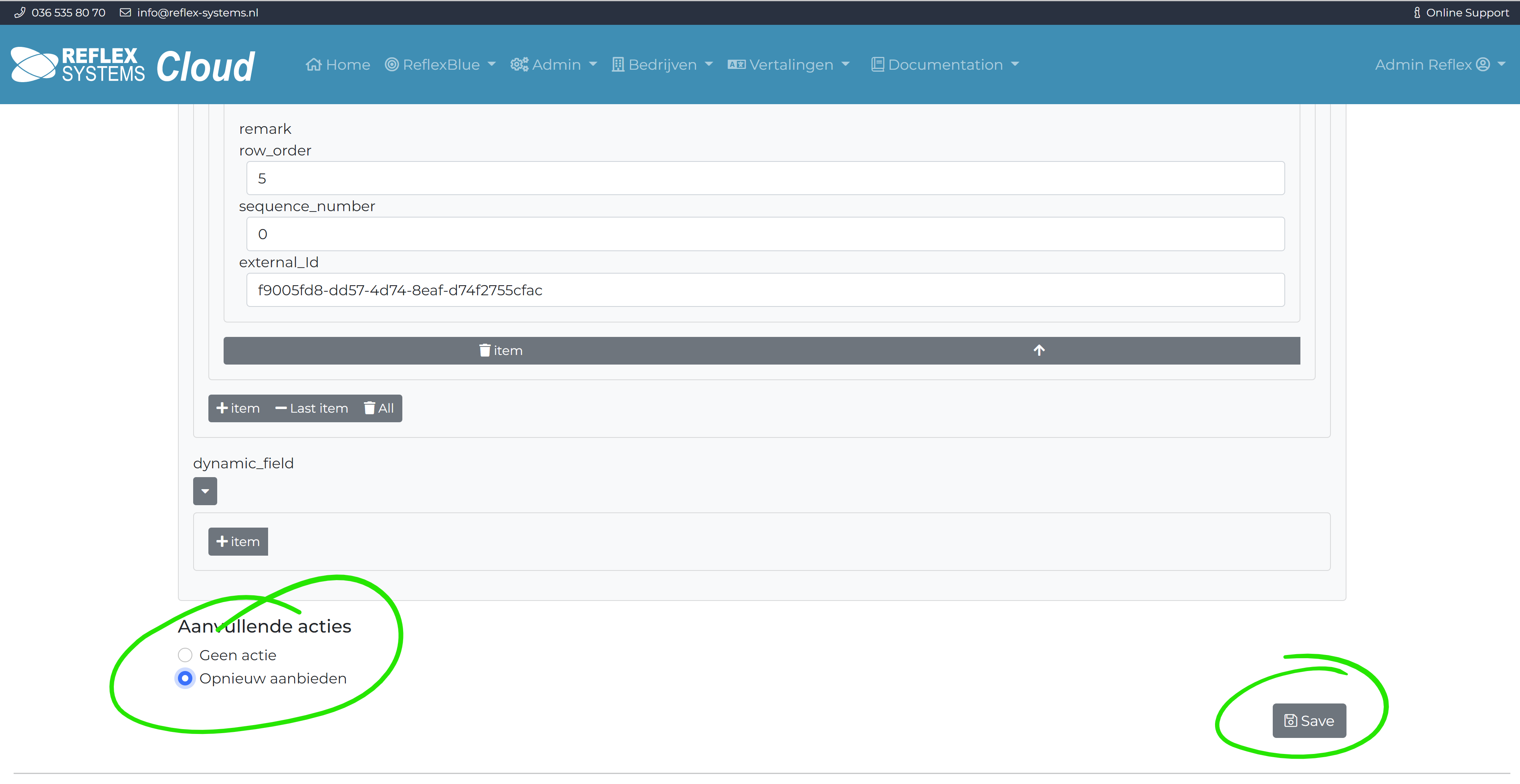
Check the option for Re-offer and select Save. This item will be re-offered to your accounting package in the next step. After you have selected Save you will see the run details screen again. This time, however, with a warning that changes are ready.
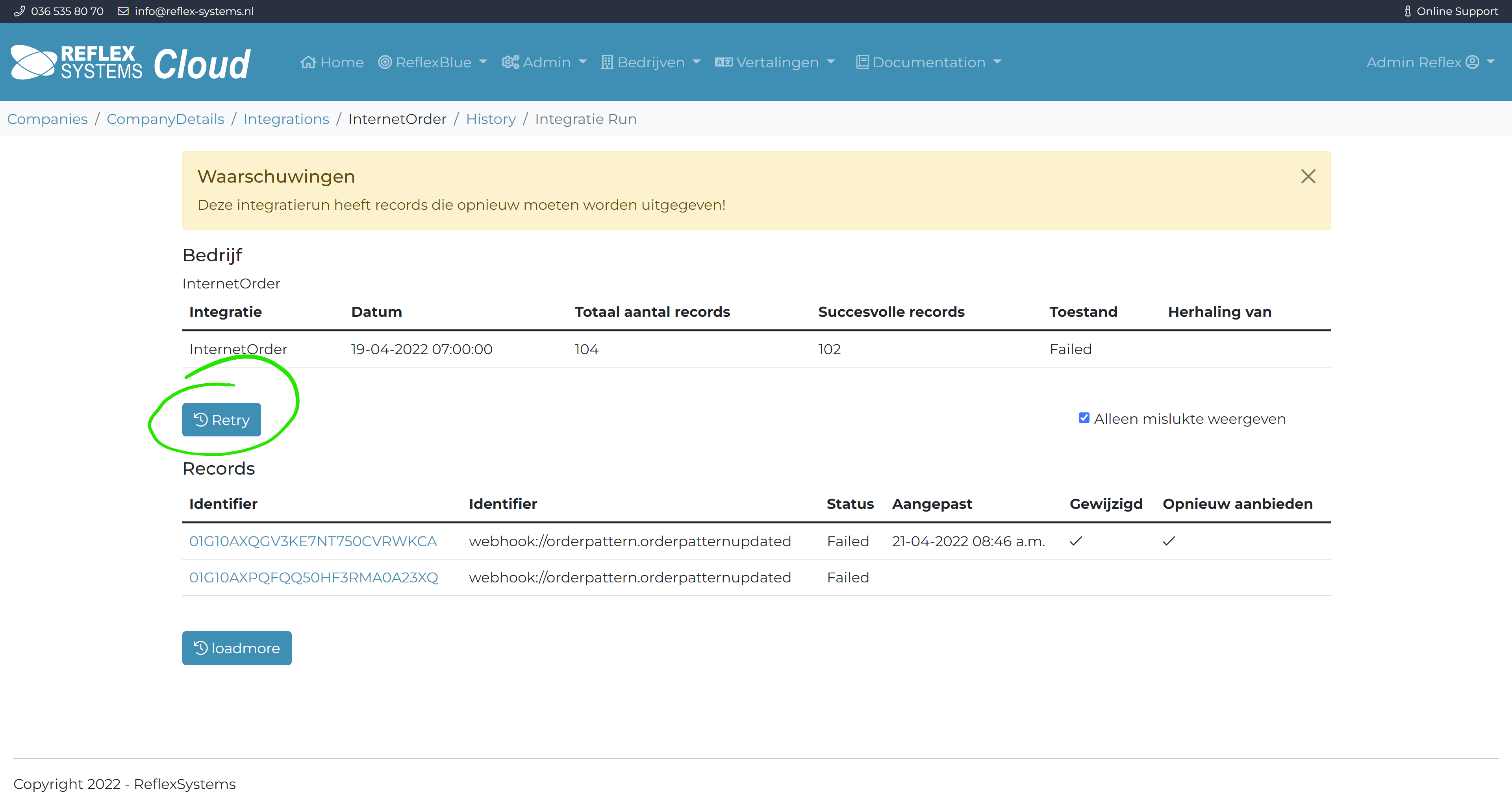
You can now first adjust all other rules as described above before you select Retry.
After you have selected Retry, all adjusted rules will be offered to your accounting package in a new run.